Open Port Checker, Port Forwarding Test
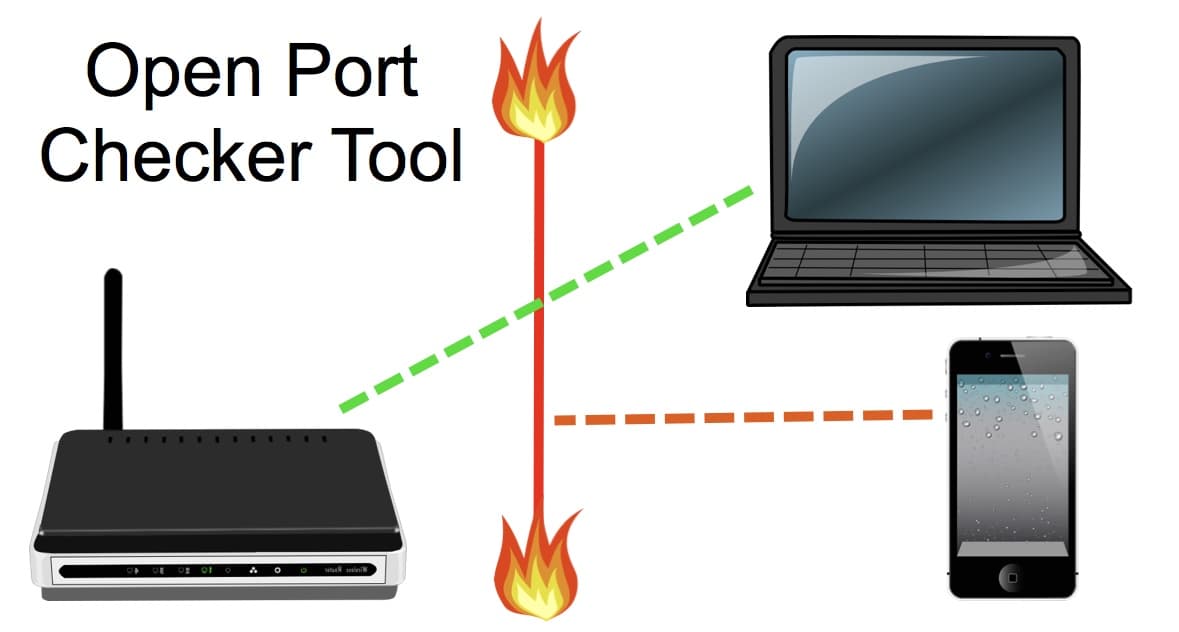
This open port checker is an online tool used to test port forwarding rules on network routers. Users can test open ports by entering their router’s pubic IP address and the specific port number that they want to test.
Port Forwarding Check
|
|
| Enter Port To Scan: |
| Port Forward Test / Port Status: |
How To Use the Port Checker Tool
The open port checker tool automatically detects the public IP address (gateway IP) of the device you are accessing this page from and populates the IP address / host name field. If you are connected to Internet through the same router that you are checking ports on, then you can leave the default value that was detected. If not, you can manually change IP address value to any IP address or domain name that you want to test. Because of this, the port forward checker does not need to be running on a computer at the location of the router that you are port testing. Next, type the port number that you want to test in the port field. After you click the “Start Port Checker” button, and the port test begins. When complete, the tools will tell you if the port(s) are open or closed.
About the Port Forwarding Test Tool
Is my port open? The port forwarding test tool was developed by Mike Haldas to assist installers when setting up remote Internet access to security camera systems. In order to access an IP security camera video stream or remotely view BNC security cameras connected to a network security camera DVRs from remotely over the Internet, it is necessary to setup port forwarding rules on your router to allow outside Internet traffic (WAN) inside your local area network (LAN). Once the traffic is inside of your network, the port forwarding rules on your router direct that traffic to the designated device and port on your local network
The port checker tool assists installers by confirming that their port forwarding rules are setup correctly. It does this by running an external port checker. Click here if you would like a more detailed explanation of how port forwarding works.
Common IP Camera and Security Camera DVR Ports
Here is a list of network port numbers for some of our best selling IP cameras / network cameras, network video recorders, and surveillance DVRs (digital video recorders). Users can click on these port numbers to start the above network port scanner on those ports. For example, if you click on the ports for Viewtron surveillance DVRs or IP camera NVRs, the tool will scan ports 5554 and 8080.
- 80 Default Port For Most IP Cameras
- 80, 6036 Viewtron DVRs and NVRs
- 7000 iDVR-E Recorders
- 5554, 8080 iDVR-PRO Recorders
- 80, 5150, 5160 Zavio Network Video Recorders
- 80, 4550, 5511, 5550, 6550, 8866, 56000 Geovision GV-iView iPhone & iPad App
- 80, 10000 Geovision Network Video Recorders & Geovision IP cameras
- 80, 4550, 5550 Geovision WebCam Server Ports
- 80, 5150, 5160 NUUO NVR mini
- 80, 5150, 5160 NUUO PC Based DVR / NVR
We hope that you find our portforward test useful.
Port Forwarding / Network Setup Service
CCTV Camera Pros now offers this service to setup port forwarding for remote DVR monitoring and security camera viewing. Using this service, our technicians will setup the network settings on your router for you. This service is free for customers who purchase our DVRs and available for a fee for customers with any other manufacturer’s DVR. All work can be performed remotely over the Internet.